MSME Certificate Download: Step-by-Step Process, Benefits & Common Issue
Why MSME Certificate Download Is Important for Businesses
The search for MSME certificate download has increased significantly in recent years as Indian businesses face stricter compliance requirements, deeper vendor due diligence, and more structured credit evaluations. Whether you are a small business owner, a procurement manager onboarding MSME vendors, or a financial institution assessing borrower eligibility, the MSME certificate has become a critical business document.
An MSME certificate issued under the Udyam Registration framework serves as official proof of a business’s micro, small, or medium enterprise status. Beyond government benefits, this certificate is now widely used in bank loans, tenders, audits, vendor onboarding, and compliance verification.
However, simply downloading an MSME certificate is no longer enough. Businesses must ensure that the certificate is valid, active, and accurate, especially when it is used for third-party verification. This guide explains not only how MSME certificate download works, but also why verification and monitoring matter in real-world business scenarios.
What Is an MSME Certificate?
Understanding MSME Certificate Download and Udyam Registration
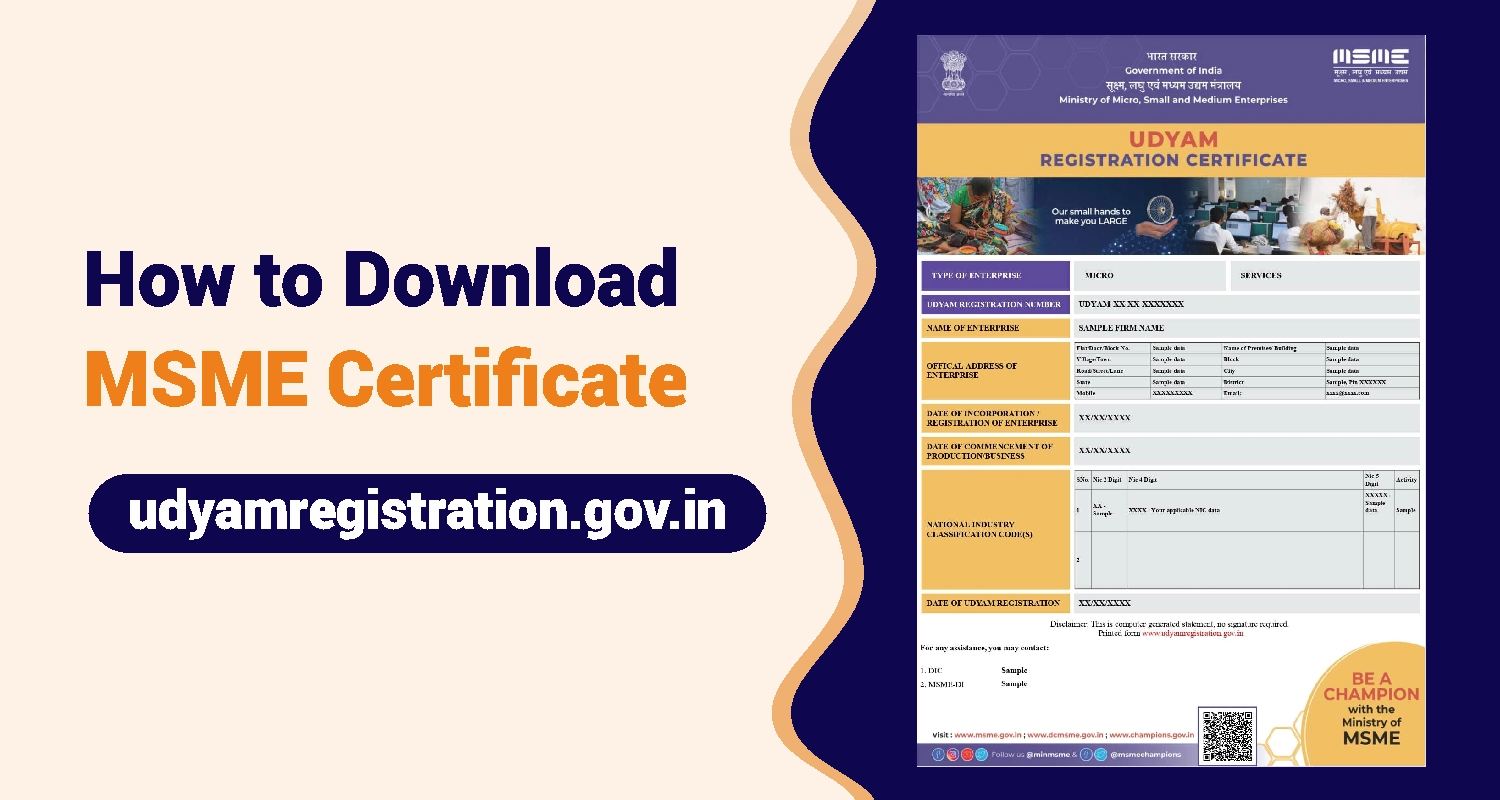
An MSME certificate is an official document issued by the Government of India under the Udyam Registration portal. It certifies that an enterprise is registered as a Micro, Small, or Medium Enterprise based on its investment and turnover thresholds.
The MSME certificate includes key enterprise details such as:
- Udyam Registration Number
- Enterprise name and type
- PAN and GST linkage
- Date of registration
- MSME classification
The MSME certificate download process allows registered enterprises to retrieve this certificate online at any time without paying any fees.
Why You May Need to Download Your MSME Certificate
- Business Scenarios Where MSME Certificate Download Is Required
- Downloading your MSME certificate is essential in multiple high-intent business situations, including:
- Bank loans and credit facilities where MSME status impacts interest rates and eligibility
- Government tenders that reserve participation for MSME entities
- Subsidies, incentives, and schemes offered by central and state governments
- Vendor onboarding and compliance checks by large enterprises
- Audit, KYC, and statutory documentation requirements
For many organizations, MSME certificate download is not optional—it is a mandatory step in financial and compliance workflows.
Who Can Download an MSME (Udyam) Certificate?
Eligible Business Structures for MSME Certificate Download
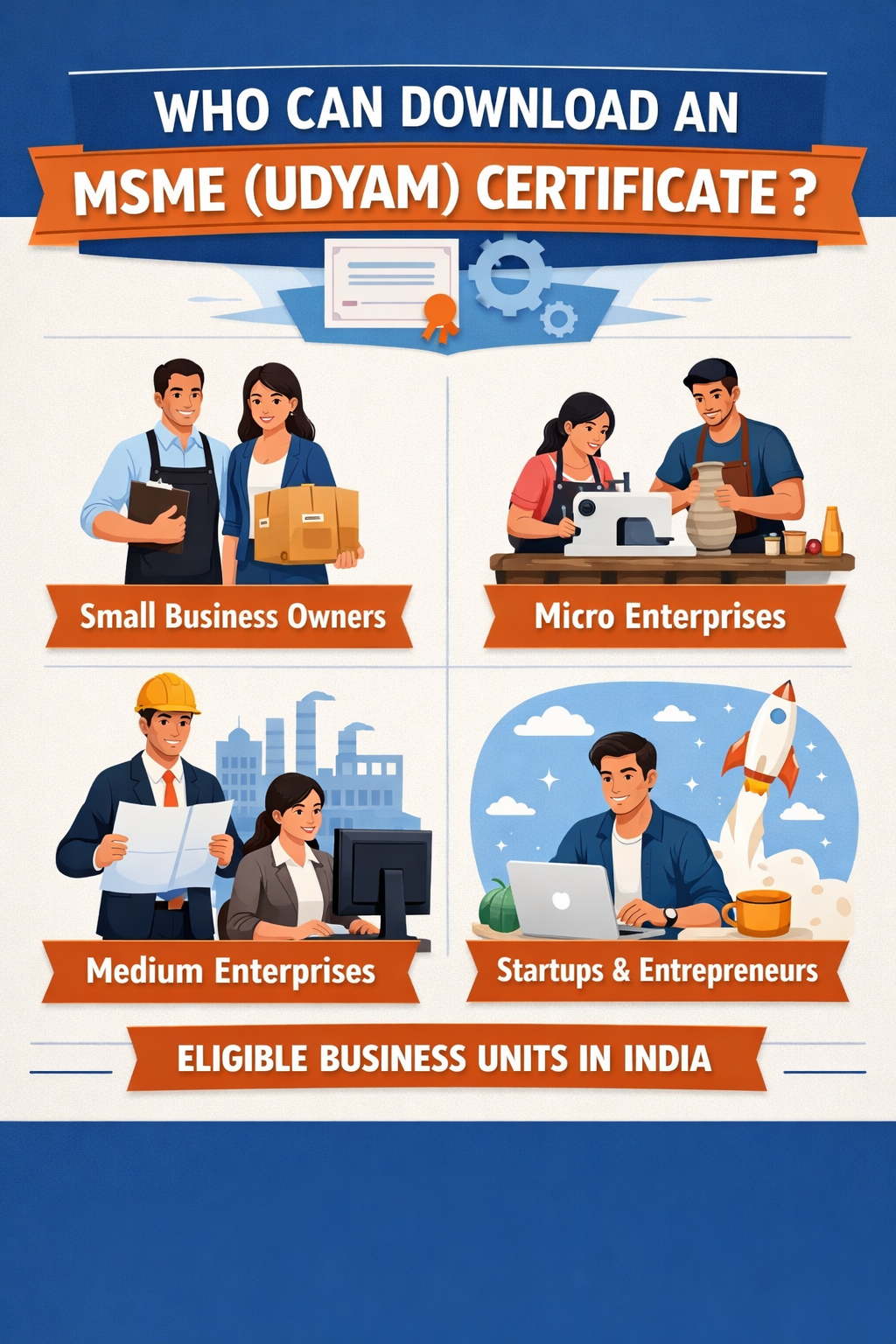
Any business entity registered under Udyam can complete the MSME certificate download process. This includes:
- Proprietorships
- Partnership firms
- Limited Liability Partnerships (LLPs)
- Private limited companies
- Public limited companies
- Hindu Undivided Families (HUFs)
As long as the enterprise has a valid Udyam Registration Number, the certificate can be downloaded online.
Details Required to Download MSME Certificate
Information Needed for MSME Certificate Download
To successfully complete MSME certificate download, the following details are required:
- Udyam Registration Number
- Registered mobile number or email ID
- PAN details of the enterprise
- OTP authentication received on the registered contact details
Ensuring that your PAN and contact details are correctly linked is crucial to avoid download failures.
Step-by-Step Process to Download MSME Certificate Online
How to Complete MSME Certificate Download from the Udyam Portal
Follow these steps to download your MSME certificate:
- Visit the official Udyam Registration portal
- Select the option “Print / Download Udyam Certificate”
- Enter your Udyam Registration Number
- Choose OTP verification via mobile or email
- Enter the OTP received
- Download the MSME certificate in PDF format
The MSME certificate download is instant once authentication is completed.
How to Download MSME Certificate Using PAN Number
PAN-Based MSME Certificate Download Explained
In cases where the Udyam Registration Number is unavailable, PAN-based retrieval can be used. This method is helpful when:
- Records are old or misplaced
- Vendors provide incomplete MSME details
- Compliance teams need verification using PAN
During PAN-based MSME certificate download, mismatches between PAN, enterprise name, or GST details are common causes of errors.
Common Problems While Downloading MSME Certificate
MSME Certificate Download Issues Businesses Face
Despite being digital, MSME certificate download can fail due to several reasons:
- OTP not received due to incorrect contact details
- Incorrect Udyam Registration Number
- PAN mismatch with government databases
- Temporary portal downtime or maintenance
- Inactive or suspended MSME registration
These issues often indicate deeper data inconsistencies that require correction, not just repeated download attempts.
How to Verify MSME Certificate Authenticity
Why MSME Certificate Download Alone Is Not Enough
Downloading an MSME certificate does not guarantee its authenticity or current validity. Businesses must verify:
- Whether the MSME registration is active
- If enterprise details match PAN and GST records
- Whether the classification is accurate
- If the certificate has been updated after threshold changes
Manual MSME certificate verification through the portal works for one-off checks but is inefficient at scale.
MSME Certificate Download for Vendor Due Diligence
Role of MSME Certificate Download in Vendor Onboarding
Enterprises increasingly request MSME certificate download from vendors to:
- Assess eligibility for MSME procurement quotas
- Validate compliance claims
- Support audit and regulatory reporting
- However, relying solely on a downloaded certificate exposes businesses to risks such as:
- Fake or manipulated MSME certificates
- Outdated enterprise classification
- Inactive registrations still being shared
- This makes verification a critical step in vendor due diligence.
Limitations of Manual MSME Certificate Checks
Why Manual MSME Certificate Download and Verification Falls Short
Manual MSME certificate checks have serious limitations:
- Time-consuming verification for large vendor bases
- No alerts when MSME status changes
- Dependence on static PDFs
- High risk of human error
- No continuous compliance visibility
As regulatory scrutiny increases, businesses need more than just MSME certificate download—they need ongoing monitoring.
How SignalX Simplifies MSME Certificate Verification & Monitoring
Moving Beyond MSME Certificate Download with SignalX
SignalX enables businesses to transform MSME certificate download into a robust verification and monitoring process by offering:
- Automated MSME status verification
- PAN and enterprise data cross-checks
- Integration with vendor onboarding workflows
- Continuous monitoring for MSME status changes
- Alerts for inactive or inconsistent registrations
Instead of relying on static documents, SignalX provides real-time MSME intelligence that supports compliance, procurement, and risk management.
Still Relying on Downloaded MSME Certificates?
Downloaded MSME PDFs don’t show inactive registrations, data mismatches, or classification changes.
SignalX verifies MSME certificates in real time during vendor onboarding.
Use Cases for MSME Certificate Download & Verification
Who Benefits Most from MSME Certificate Download Verification
SignalX-enabled MSME certificate workflows support:
- Procurement teams verifying MSME vendor eligibility
- Banks and NBFCs assessing borrower MSME status
- Compliance and audit teams ensuring regulatory accuracy
- Enterprises managing large MSME vendor ecosystems
In all these cases, MSME certificate download is only the first step verification ensures trust.
FAQs Related to MSME Certificate Download
Can MSME certificate be re-downloaded?
Yes, MSME certificate download can be done multiple times from the Udyam portal at no cost.
Is MSME certificate lifetime valid?
The certificate does not expire, but enterprise classification may change based on turnover and investment updates.
Is PAN mandatory for MSME certificate download?
Yes, PAN is mandatory and linked to the MSME registration.
What if MSME details are incorrect?
Incorrect details must be updated on the Udyam portal before MSME certificate download reflects accurate information.
Conclusion: MSME Certificate Download Is Just the Beginning
MSME certificate download has become a foundational requirement in India’s business ecosystem. From loans and tenders to vendor onboarding and audits, MSME status plays a crucial role in decision-making.
However, in a landscape where compliance risks and third-party scrutiny are increasing, businesses must move beyond static downloads to verified, monitored, and reliable MSME data.
Verify MSME Certificates Instantly with SignalX
SignalX helps organizations automate MSME certificate verification, reduce compliance risk, and make confident business decisions—without manual checks or outdated documents.
Because MSME compliance deserves more than just a download.
Want to Eliminate MSME Compliance Risk?
SignalX helps enterprises verify MSME certificates,
detect inactive registrations, and monitor vendor status continuously.


Samruddhi Kulkarni
Samruddhi is a marketing professional who creates content that simplifies complex topics such as third-party risk management, compliance, and vendor governance. By combining market research, insights, and domain understanding, she develops blogs, e-books, and best-practice guides that help organizations strengthen their risk posture and build long-term resilience.
